Buttons... lots-o-buttons. My panel has 40 of them.
Originally I planned on using all Happ horizontals with Cherry micro switches - blue color.
But then I saw Knievel's Kustoms and decided
that lighting the buttons was the way to go. As it happens, right around the time I was looking
into LED lighting, GGG started to offer
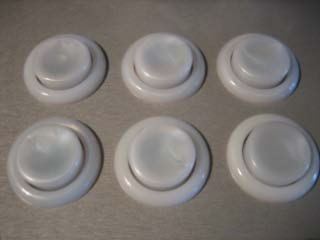
Electric ICE Lightable Horizontal Pushbuttons
with RGB LEDs. The ICE buttons are a pearl color when unlit. Unfortunately, they're a bit expensive, so I
decided to only use the ICE buttons for the player 1 and player 2 controls.
Update... I decided to swap out the blue player 3 and player 4 buttons and replace them with ICE buttons. This
also required a 3rd LED-Wiz controller.
|
|
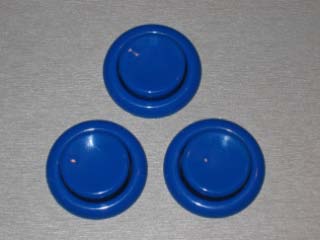
| For the left/right mouse buttons,
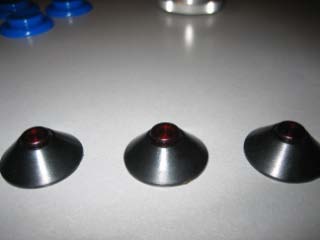
I used the blue Happ's. For my front-end control buttons, I'm using some old Atari volcano buttons
I've had stored away for the past 20 years. The volcano buttons have LEDs built-in that required 220 OHM resisters.
|
|
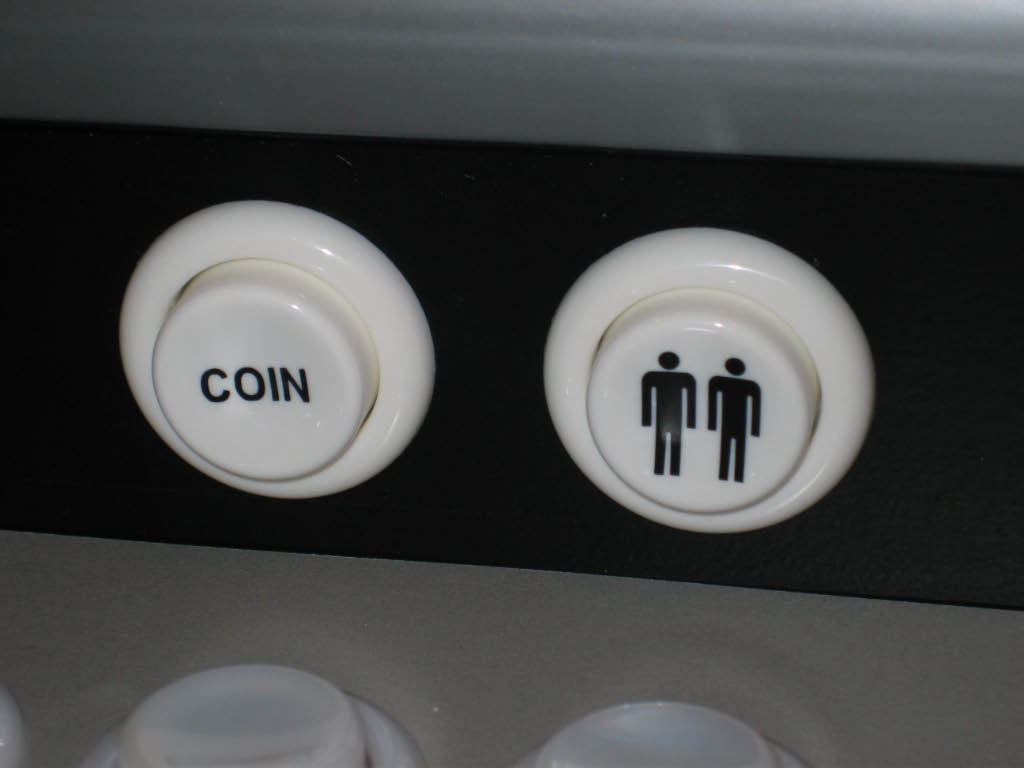
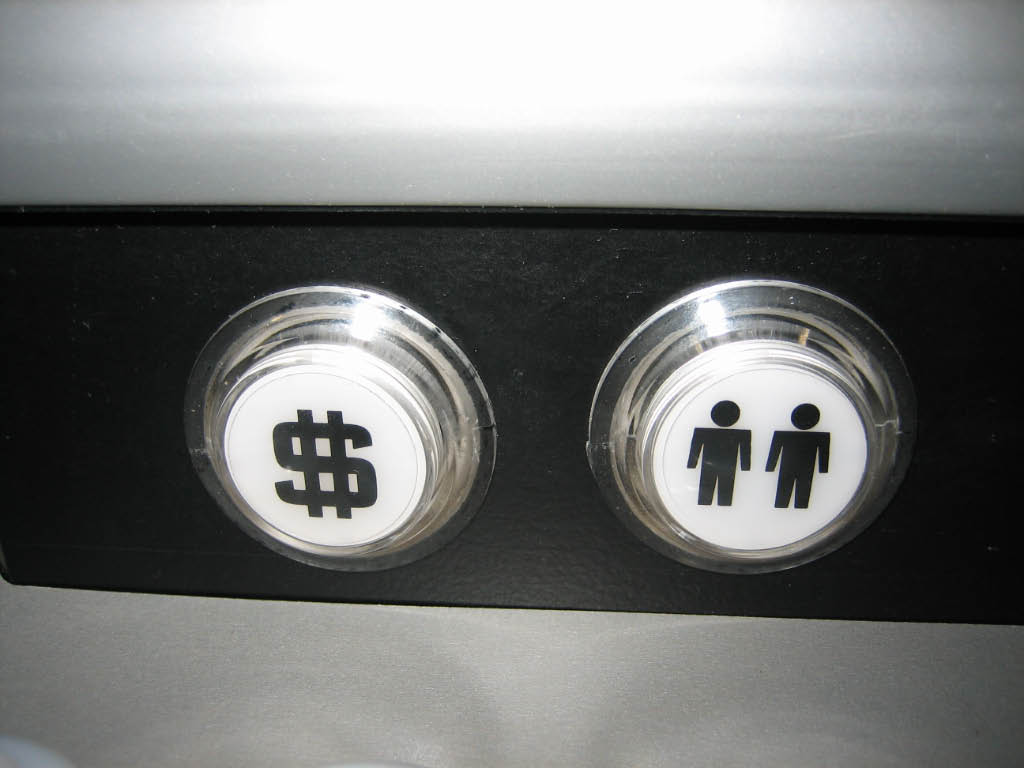
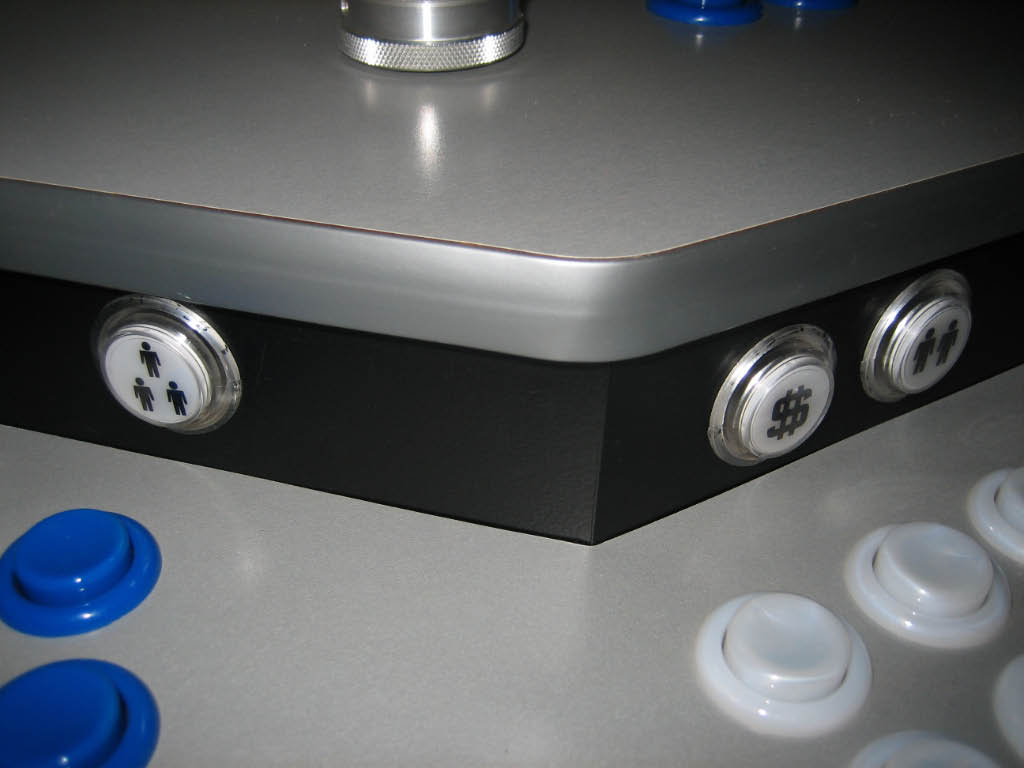
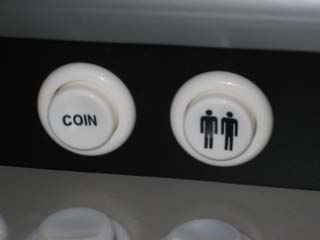
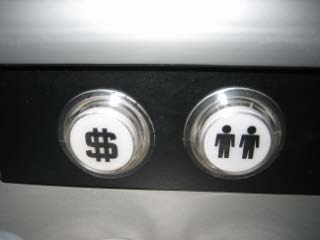
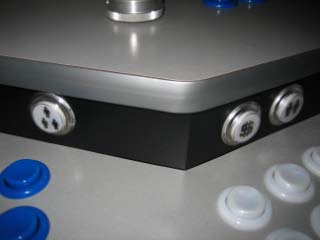
| For the player start and coin buttons I used basic white with black images. The player start images came pre-applied
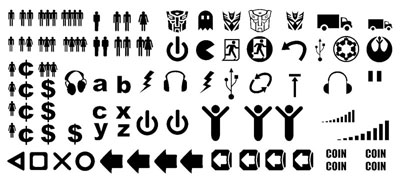
to the buttons, but for the coin images, I purchased stick-on labels from
MikeDeuce.
|
|
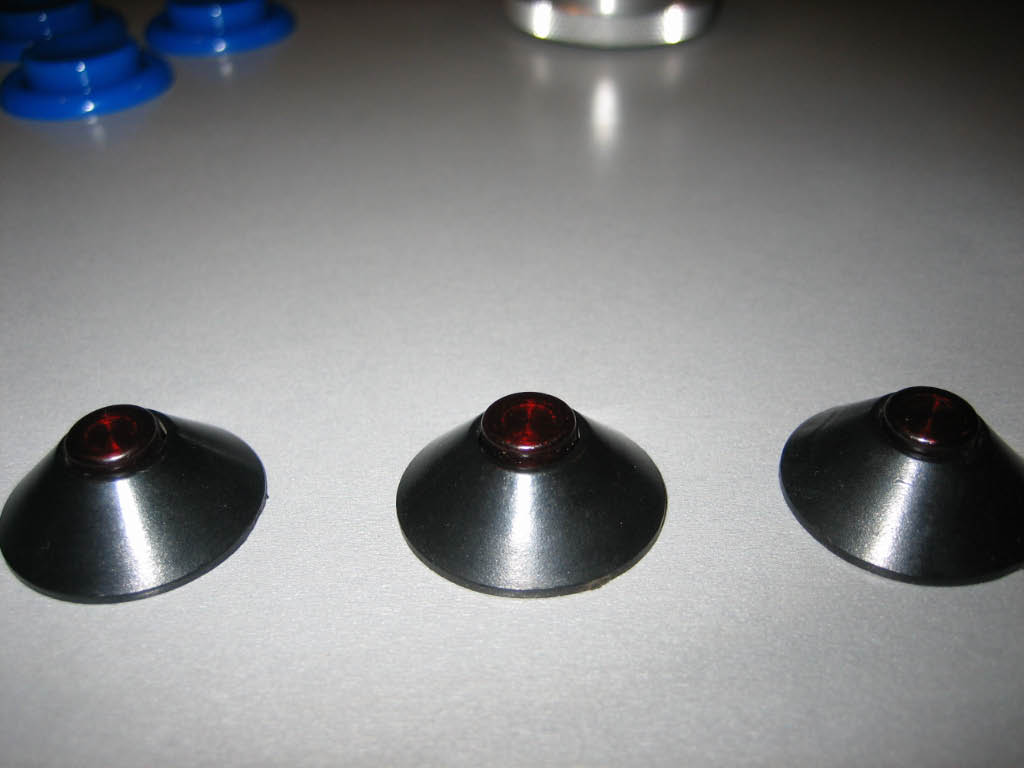
| Update... In appretiation for adding PACDrive
support to my LEDBlinky MaLa plugin, Andy at Ultimarc has supplied me with some
Ultralux Translucent Illuminated Pushbuttons with logo inserts.
I've replaced all the player start and coin buttons with the Utralux and wired them to the LEDWiz. Needless to say,
they look awesome. Now I can light the player start buttons based on the number of players for each game and
blink the coin buttons when credits are available - very cool!
|
|
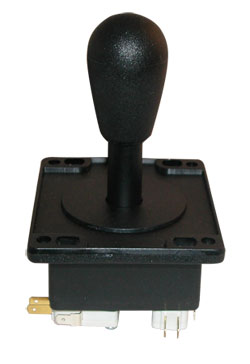
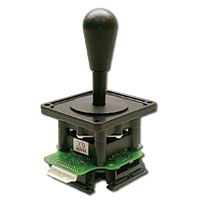
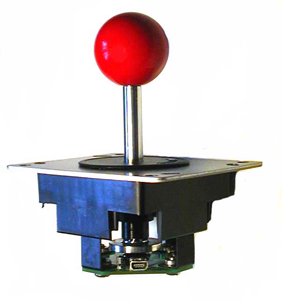
| Joysticks... lots-o-joysticks. My panel has 7 of them. Player's 1 and 2
have two joysticks each, player's 3 and 4 have 1 joystick each, and there's a
triggered joystick for games like Tron. Six of the joysticks are
Happ Supers. The seventh is a
Midway 49-Way.
|
|
|
Update... I have since replaced the 49-Way joystick with an
Ultimarc UltraStik 360. The U360 is by far the most versatile stick available (imo)
and hugely popular with the BYOAC members! I also replaced all the Bat-Tops with Ball-Tops.
|
|
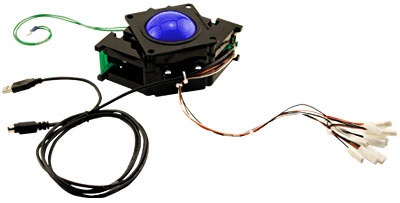
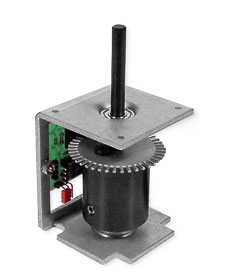
| Rounding out the controls are the track ball and spinner.
The Track Ball has a 3"
translucent blue ball and a USB interface. For the spinner I purchased a
SlikStik Tornado with a USB interface.
|
|
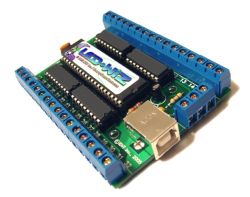
To light the all the LEDs on my control panel, I purchased two GGG
LED-Wiz
32-port USB Lighting and Output Controllers. With 64 ports for LED control and 16 RGB Electric Ice buttons,
I have created some really cool attract mode visuals using my LEDBlinky software.
Update... I have since added a 3rd LED-Wiz to my control panel for player's 3 and 4 buttons.
|
|
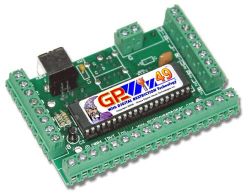
Another GGG product is the
GP-Wiz49 MAX 49-Way Joystick USB Interface. This controller converts an analog 49-way joystick to a
digital device. When used in conjunction with control software, it effectively converts the 49-way
into a digitally restricted joystick. The front-end software can then set the stick's mode (4-way, 8-way
diagonal, analog, etc.) based on the selected game. To wire the joystick to the controller, I made
a custom cable out of an old IDE ribbon cable. GGG also sells a pre-made cable.
Update... I have since replaced the 49-Way joystick with an
Ultimarc UltraStik 360 so the GP-Wiz49 MAX
is no longer required.
|
|
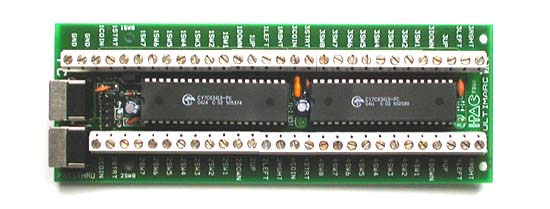
| Last but not least - the keyboard encoder. This is the main control
interface for all the buttons and joysticks (non-optical). Given the fact that my control panel
required 54 distinct keyboard commands (without any key sharing), I really had only a few choices
for keyboard encoders. I chose the
I-PAC/4 encoder made by Ultimarc. Ultimarc's
encoders can be purchased with PS2 or USB interfaces, and there seems to be some debate as to
which is better. I went with the PS2 version. Regardless, Ultimarc makes a great product with many
useful features and easy programming.
|
|