|
Many years ago I tried an early version of MAME - it was not pretty. Needless to say, a
lot has changed since then. When project Arcade Addiction started in January of 2006, my
initial focus was the software. At the time I assumed all I would need to do is download
the latest version of MAME and pick the Front End (FE). How wrong I was - I've spent an
order of magnitude more time on the software aspect of this project that the hardware and
construction. So here we go…
By the way, almost all home arcade related software is community developed freeware.
Let me start by saying thanks and cheers to all the Software Devs!
Front-End Search
FE software provides a graphical wrapper around MAME and other emulators. It's the user
interface for searching, selecting, and starting a game. There are over a dozen choices
such as MaLa, AtomicFE, GameEx, Mamewah, and more recently, HyperSpin and LaunchBox.
The ArcadeControls site provides (slightly outdated)
FE reference information.
And this BYOAC thread provides a poll
to keep track of who's using which FE - check it out!
I started my FE search with Mamewah - it’s a widely used FE with a great
library of skins. But some feel the configuration is difficult and other newer FEs provide
more advanced features. IMO, Mamewah is the DOS of FEs. Next I tried
3DArcade which has a very
cool 3D interface - like a virtual arcade. For a while, it was my #1 choice.
Then came PowerMame!
PM was a custom compilation of MAME with some very slick features - top of the list - it
could light up the specific controls used by each game. PowerMame convinced me that I
needed to light up my control panel! Unfortunately, the PM developer became overwhelmed
with supporting the app and within a few months the project was shelved - frozen at its
last MAME compilation.
Now I had some direction - I needed a FE that supported LEDs and the
LED-Wiz.
Beyond just lighting the controls, I wanted the correct buttons to light for each game – and I wanted
remapping the keys to also remap the LEDs – basically, I wanted a FE that could do what PowerMame could
do and was actively updated and supported. Based on these requirements I next tried
AtomicFE. Atomic had a great feature set and the developer
was more than willing to discuss any issues or enhancement suggestions. But it didn’t allow for the LED
auto-remapping. I considered using the Johnny5 Control Panel Display utility in conjunction
with Atomic. J5 can light LEDs and had LED auto-remapping, but alas, it could not handle multiple LED-Wiz’s
with my bizarre wiring configuration.
It seemed as though no FE could meet my requirements – then I checked out
MaLa. Similar to Atomic, MaLa also had an
extensive feature set with a very easy to configure Windows like UI. MaLa also had one
stand-out feature – a plugin interface with a developer SDK. Many 3rd party plugins were
available, but two caught my eye;
GP-Wiz49
support and LED-Wiz support – both necessary for my control panel. I immediately checked out
the LEDWiz plugin features and again realized it could not handle my setup, nor did it have
LED auto-remapping. But that was ok – by now I realized the only way I could get the LED
functionality I needed was to code it myself. And with MaLa’s plugin interface and some
function libraries developed by other BYOAC members, I had the tools I needed!
LEDBlinky
So MaLa became my chosen front-end for the Arcade Addiction project. And 102659 lines of code
later requiring umpteen hours of late night coding – my LEDBlinky application was finished! Along
the way I also coded a MaLa Testing Stub application and a really useful LED Animation Editor.
Initially I wasn’t going to offer my plugin to the general community – I didn’t want to step
on the work already done by the other LED plugin developer (loadman). But our two plugins had
many differences, and loadman was ok with the idea.
Since the initial plugin development, the application
has gone through multiple updates and is now integrated with five of the more popular front-ends and can be
used with just about any front-end. The last major update included features to blink the LEDs in sync with music or game sound effects!
Feedback has been positive and most of the bugs have been squashed!
For a complete list of features, screen shots, demo videos, and all downloads, visit the
LEDBlinky site. Additional support can be found on the
BYOAC forum.
MaLa
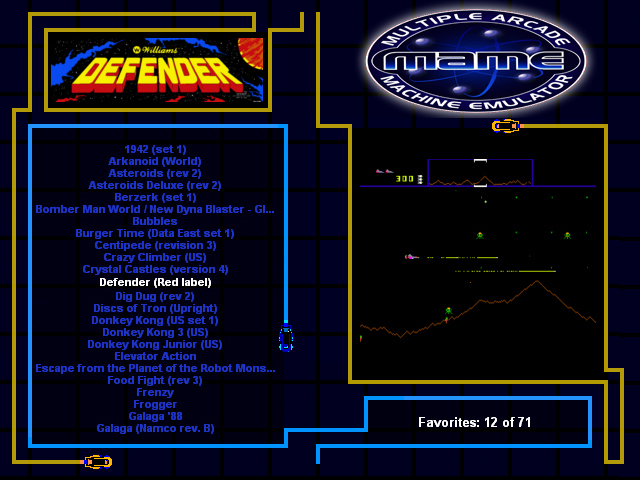
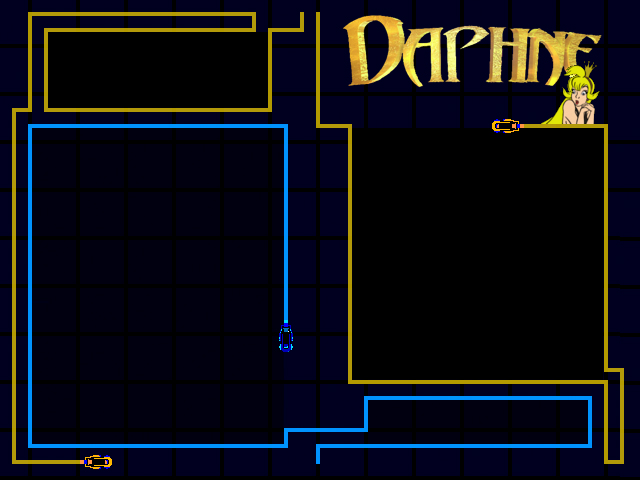
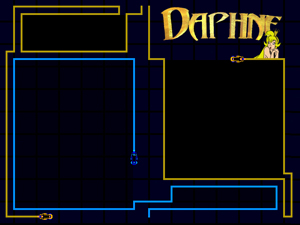
One of the nice features of MaLa is that you can create your own custom screen layouts.
As a fan of the 'classic' arcade games I decided to use old style game images for my marquee
and FE interface. The Tron Cycles seemed like a perfect candidate for the game selection screen
which required multiple frames. Using MAME's screen capture function, I grabbed the images, and
then used Photoshop to do the layouts.
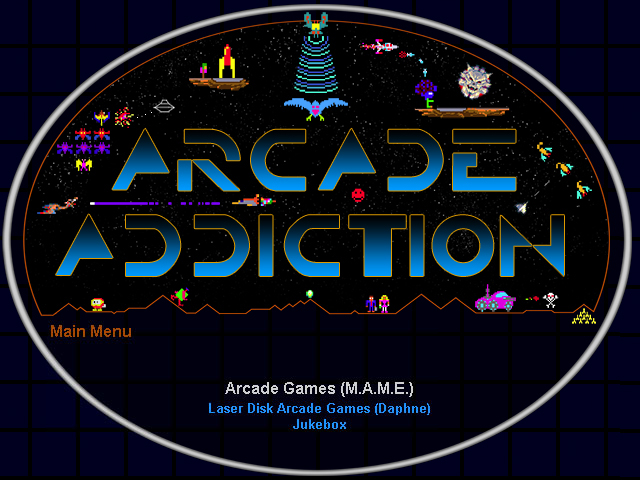
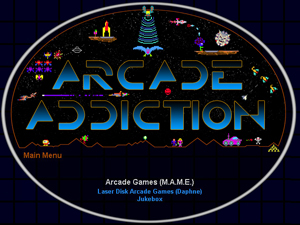
For the MaLa main screen is used the same theme as the marquee - a montage with all the 'good guys'
and 'bad guys' fighting one big battle!
As time permits I'll continue to add additional emulators!
|